
286 lines
8.3 KiB
Markdown
286 lines
8.3 KiB
Markdown
|
|
|
|
# Fitty, Snugly text resizing
|
|
|
|
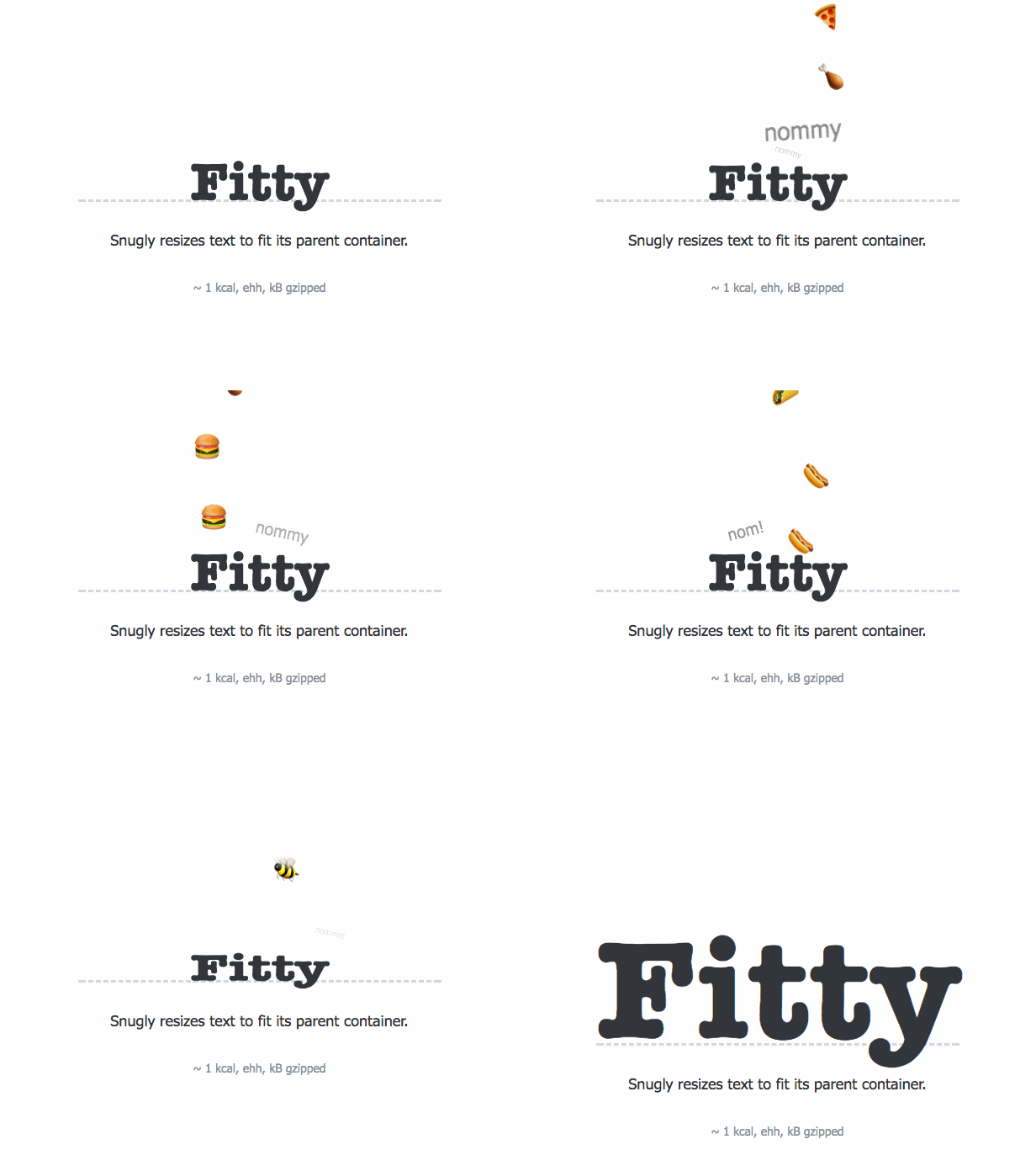
Scales up (or down) text so it fits perfectly to its parent container.
|
|
|
|
Ideal for flexible and responsive websites.
|
|
|
|
**[Visit PQINA.nl for other useful Web Components](https://pqina.nl/).**
|
|
|
|
|
|
[](https://github.com/rikschennink/fitty/blob/gh-pages/LICENSE)
|
|
[](https://badge.fury.io/js/fitty)
|
|
|
|
## Features
|
|
|
|
- No dependencies
|
|
- Easy setup
|
|
- Optimal performance by grouping DOM read and write operations
|
|
- Works with WebFonts (see example below)
|
|
- Min and max font sizes
|
|
- Support for MultiLine
|
|
- Auto update when viewport changes
|
|
- Monitors element subtree and updates accordingly
|
|
|
|
|
|
## Installation
|
|
|
|
Install from npm:
|
|
|
|
```
|
|
npm install fitty --save
|
|
```
|
|
|
|
Or download `dist/fitty.min.js` and include the script on your page like shown below.
|
|
|
|
|
|
## Usage
|
|
|
|
Run fitty like shown below and pass an element reference or a querySelector. For best performance include the script just before the closing `</body>` element.
|
|
|
|
```html
|
|
<div id="my-element">Hello World</div>
|
|
|
|
<script src="fitty.min.js"></script>
|
|
<script>
|
|
fitty('#my-element');
|
|
</script>
|
|
```
|
|
|
|
|
|
The following options are available to pass to the `fitty` method.
|
|
|
|
Option | Default | Description
|
|
-------------------|---------------|------------------------------------------------
|
|
`minSize` | `16` | The minimum font size in pixels
|
|
`maxSize` | `512` | The maximum font size in pixels
|
|
`multiLine` | `true` | Wrap lines when using minimum font size.
|
|
`observeMutations` | `MutationObserverInit` | Rescale when element contents is altered. Is set to false when `MutationObserver` is not supported. Pass a custom MutationObserverInit config to optimize monitoring based on your project. By default contains the MutationObserverInit configuration below or `false` based on browser support.
|
|
|
|
|
|
Default MutationObserverInit configuration:
|
|
```javascript
|
|
{
|
|
subtree: true,
|
|
childList: true,
|
|
characterData: true
|
|
}
|
|
````
|
|
|
|
You can pass custom arguments like this:
|
|
|
|
```javascript
|
|
fitty('#my-element', {
|
|
minSize: 12,
|
|
maxSize: 300
|
|
});
|
|
```
|
|
|
|
|
|
The `fitty` function returns a single or multiple Fitty instances depending on how it's called. If you pass a query selector it will return an array of Fitty instances, if you pass a single element reference you'll receive back a single Fitty instance.
|
|
|
|
|
|
Method | Description
|
|
-----------------|---------------
|
|
`fit()` | Force a redraw of the current fitty element
|
|
`freeze()` | No longer update this fitty on changes
|
|
`unfreeze()` | Resume updates to this fitty
|
|
`unsubscribe()` | Remove the fitty element from the redraw loop and restore it to its original state
|
|
|
|
|
|
Properties | Description
|
|
-----------------|---------------
|
|
`element` | Reference to the related element
|
|
|
|
|
|
```javascript
|
|
var fitties = fitty('.fit');
|
|
|
|
// get element reference of first fitty
|
|
var myFittyElement = fitties[0].element;
|
|
|
|
// force refit
|
|
fitties[0].fit();
|
|
|
|
// stop updating this fitty and restore to original state
|
|
fitties[0].destroy();
|
|
```
|
|
|
|
|
|
Fitty dispatches an event named `"fit"` when a fitty is fitted.
|
|
|
|
Event | Description
|
|
-----------------|---------------
|
|
`"fit"` | Fired when the element has been fitted to the parent container.
|
|
|
|
The `detail` property of the event contains an object which exposes the font size `oldValue` the `newValue` and the `scaleFactor`.
|
|
|
|
```js
|
|
myFittyElement.addEventListener('fit', function(e) {
|
|
|
|
// log the detail property to the console
|
|
console.log(e.detail);
|
|
|
|
});
|
|
```
|
|
|
|
|
|
The `fitty` function itself also exposes some static options and methods:
|
|
|
|
Option | Default | Description
|
|
---------------------------|---------------|------------------------------------------------
|
|
`fitty.observeWindow` | `true` | Listen to the "resize" and "orientationchange" event on the window object and update fitties accordingly.
|
|
`fitty.observeWindowDelay` | `100` | Redraw debounce delay in milliseconds for when above events are triggered.
|
|
|
|
Method | Description
|
|
---------------------------|---------------
|
|
`fitty.fitAll()` | Refits all fitty instances to match their parent containers. Essentially a request to redraw all fitties.
|
|
|
|
|
|
## Performance
|
|
|
|
For optimal performance add a CSS selector to your stylesheet that sets the elements that will be resized to have `white-space:nowrap` and `display:inline-block`. If not, Fitty will detect this and will have to restyle the elements automatically, resulting in a slight performance penalty.
|
|
|
|
Suppose all elements that you apply fitty to are assigned the `fit` class name, add the following CSS selector to your stylesheet:
|
|
|
|
```css
|
|
.fit {
|
|
display: inline-block;
|
|
white-space: nowrap;
|
|
}
|
|
```
|
|
|
|
Should you only want to do this when JavaScript is available, add the following to the `<head>` of your web page.
|
|
|
|
```html
|
|
<script>document.documentElement.classList.add('js');</script>
|
|
```
|
|
|
|
And change the CSS selector to:
|
|
|
|
```css
|
|
.js .fit {
|
|
display: inline-block;
|
|
white-space: nowrap;
|
|
}
|
|
```
|
|
|
|
|
|
## Do Not Upscale Text
|
|
|
|
Fitty calculates the difference in width between the text container and its parent container. If you use CSS to set the width of the text container to be equal to the parent container it won't scale the text.
|
|
|
|
This could be achieved by forcing the text container to be a block level element with `display: block !important` or setting its width to 100% with `width: 100%`.
|
|
|
|
|
|
## Custom Fonts
|
|
|
|
Fitty does not concern itself with custom fonts. But it will be important to redraw Fitty text after a custom font has loaded (as previous measurements are probably incorrect at that point).
|
|
|
|
If you need to use fitty on browsers that don't have [CSS Font Loading](http://caniuse.com/#feat=font-loading) support (Edge and Internet Explorer) you can use the fantastic [FontFaceObserver by Bram Stein](https://github.com/bramstein/fontfaceobserver) to detect when your custom fonts have loaded.
|
|
|
|
See an example custom font implementation below. This assumes fitty has already been called on all elements with class name `fit`.
|
|
|
|
```html
|
|
<style>
|
|
/* Only set the custom font if it's loaded and ready */
|
|
.fonts-loaded .fit {
|
|
font-family: 'Oswald', serif;
|
|
}
|
|
</style>
|
|
<script>
|
|
(function() {
|
|
|
|
// no promise support (<=IE11)
|
|
if (!('Promise' in window)) {
|
|
return;
|
|
}
|
|
|
|
// called when all fonts loaded
|
|
function redrawFitty() {
|
|
document.documentElement.classList.add('fonts-loaded');
|
|
fitty.fitAll();
|
|
}
|
|
|
|
// CSS Font Loading API
|
|
function native() {
|
|
|
|
// load our custom Oswald font
|
|
var fontOswald = new FontFace('Oswald', 'url(assets/oswald.woff2)', {
|
|
style:'normal',
|
|
weight:'400'
|
|
});
|
|
document.fonts.add(fontOswald);
|
|
fontOswald.load();
|
|
|
|
// if all fonts loaded redraw fitty
|
|
document.fonts.ready.then(redrawFitty);
|
|
}
|
|
|
|
// FontFaceObserver
|
|
function fallback() {
|
|
|
|
var style = document.createElement('style');
|
|
style.textContent = '@font-face { font-family: Oswald; src: url(assets/oswald.woff2) format("woff2");}'
|
|
document.head.appendChild(style);
|
|
|
|
var s = document.createElement('script');
|
|
s.src = 'https://cdnjs.cloudflare.com/ajax/libs/fontfaceobserver/2.0.13/fontfaceobserver.standalone.js';
|
|
s.onload = function() {
|
|
new FontFaceObserver('Oswald').load().then(redrawFitty);
|
|
};
|
|
document.body.appendChild(s);
|
|
}
|
|
|
|
// Does the current browser support the CSS Font Loading API?
|
|
if ('fonts' in document) {
|
|
native();
|
|
}
|
|
else {
|
|
fallback();
|
|
}
|
|
|
|
}());
|
|
</script>
|
|
```
|
|
|
|
|
|
## Notes
|
|
|
|
- Will not work if the fitty element is not part of the DOM.
|
|
|
|
- If the parent element of the fitty element has horizontal padding the width calculation will be incorrect. You can fix this by wrapping the fitty element in another element.
|
|
|
|
```html
|
|
<!-- Problems -->
|
|
<div style="padding-left:100px">
|
|
<h1 class="fit">I'm a wonderful heading</h1>
|
|
</div>
|
|
```
|
|
|
|
```html
|
|
<!-- No more problems -->
|
|
<div style="padding-left:100px">
|
|
<div><h1 class="fit">I'm a wonderful heading</h1></div>
|
|
</div>
|
|
```
|
|
|
|
|
|
|
|
## Tested
|
|
|
|
- Modern browsers
|
|
- IE 10+
|
|
|
|
Note that IE will require CustomEvent polyfill:
|
|
https://developer.mozilla.org/en-US/docs/Web/API/CustomEvent/CustomEvent#Polyfill
|
|
|
|
## Versioning
|
|
|
|
Versioning follows [Semver](http://semver.org).
|
|
|
|
|
|
## License
|
|
|
|
MIT
|